1. Which installer to download
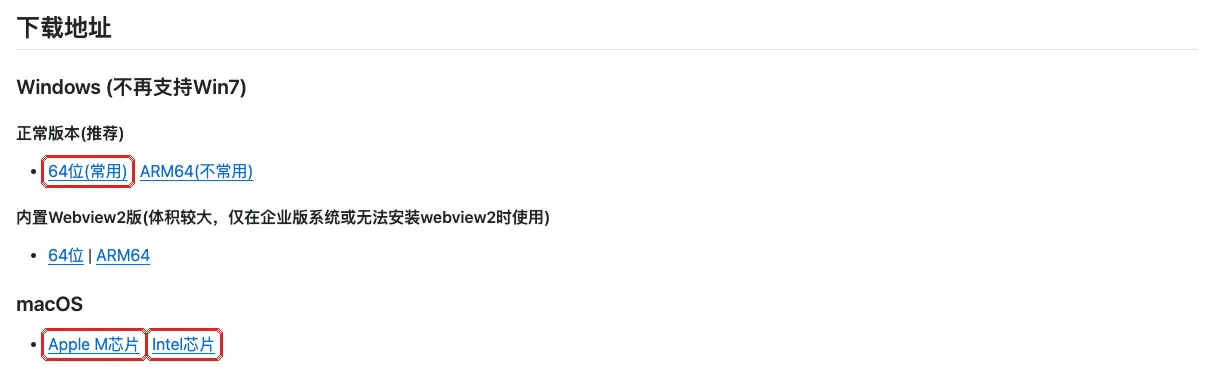
Open the official releases page github.com/clash-verge-rev/clash-verge-rev/releases and, under the latest version’s files, look for:
| Your Mac | Download |
|---|---|
| Apple silicon (M1, M2, M3, M4…) | The file ending in _aarch64.dmg |
| Intel | The file ending in _x64.dmg |
Not sure: Apple menu at the top left → “About This Mac”, see “Chip” or “Processor”.
2. Install
Double-click the dmg, drag Clash Verge into “Applications”, then open it from “Applications”.
3. Import the subscription
- Open Clash Verge and click Profiles on the left.
- Paste the Clash subscription URL from the login-info file into the “Profile URL” box and click Import.
- Click the new profile card so it becomes selected.
4. Choose Rule mode
Click Proxies on the left and choose Rule at the top.
5. Turn on Tun Mode
- Click Settings on the left and turn on Tun Mode. When it says the service is required, click Install Service and enter your Mac’s login password.
- In the Clash settings, keep IPv6 on and DNS Overwrite off.
Macs don’t need Strict Route. More details: Turn on TUN mode.
Stuck?
It says the app is damaged or the developer can't be verified?
Open System Settings → Privacy & Security, find the Clash Verge message near the bottom and click “Open Anyway”. Still blocked? Run sudo xattr -r -c "/Applications/Clash Verge.app" in Terminal (enter your login password), then open it again.
Installing the service keeps failing?
Make sure you have the latest version. Uninstall the old one and install the latest from the releases page.