Why Gmail
Buying a server, signing up for GitHub and other overseas services all need an email address that receives mail reliably. Chinese mailboxes work too, but some overseas services’ emails get blocked or delayed. Gmail is the least hassle for overseas services.
Steps
- Open accounts.google.com/signup (or gmail.com → “Create account”).
- Choose “For my personal use”.
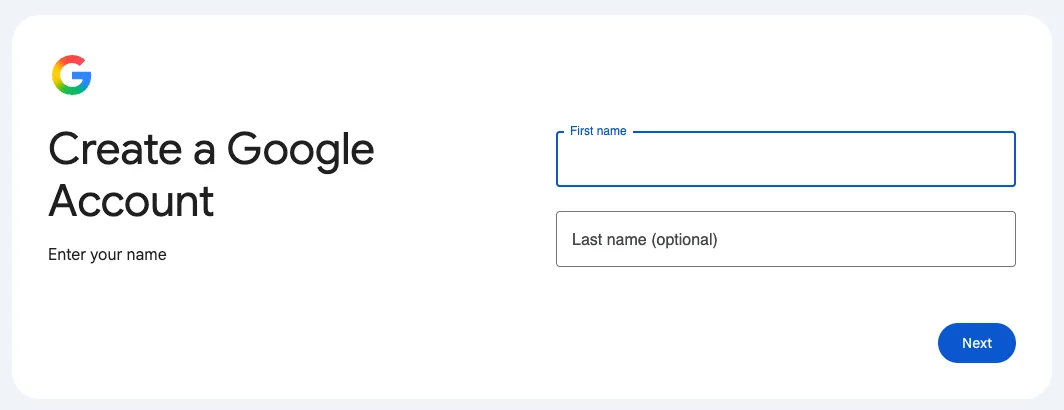
- Enter your name, birthday and gender. Use your real birthday — under-age accounts are restricted.
- Pick a Gmail address, e.g.
yourname2026@gmail.com. Taken? Try another. - Set a password: at least 12 characters mixing letters, numbers and symbols, not reused elsewhere.
- Verify your phone number when asked (see below).
- Add a recovery email so you can get back in if you forget the password.
Right after signing up: turn on 2-Step Verification
- Open myaccount.google.com and click “Security”.
- Find “2-Step Verification” and turn it on — an authenticator app or “Google prompts” are recommended.
Then even a leaked password won’t let anyone into your account.
Stuck?
“This phone number cannot be used for verification”?
That’s Google’s risk control, common on new devices and networks. Try again later, or sign up in the Gmail app on your phone, which usually works better.
No verification SMS?
Wait a minute or two before resending, and check the country code (mainland China is +86).
The new account was disabled right away?
Frequent IP changes or bulk actions on a new account trigger risk control. Appeal as prompted; it settles down after a period of normal use.